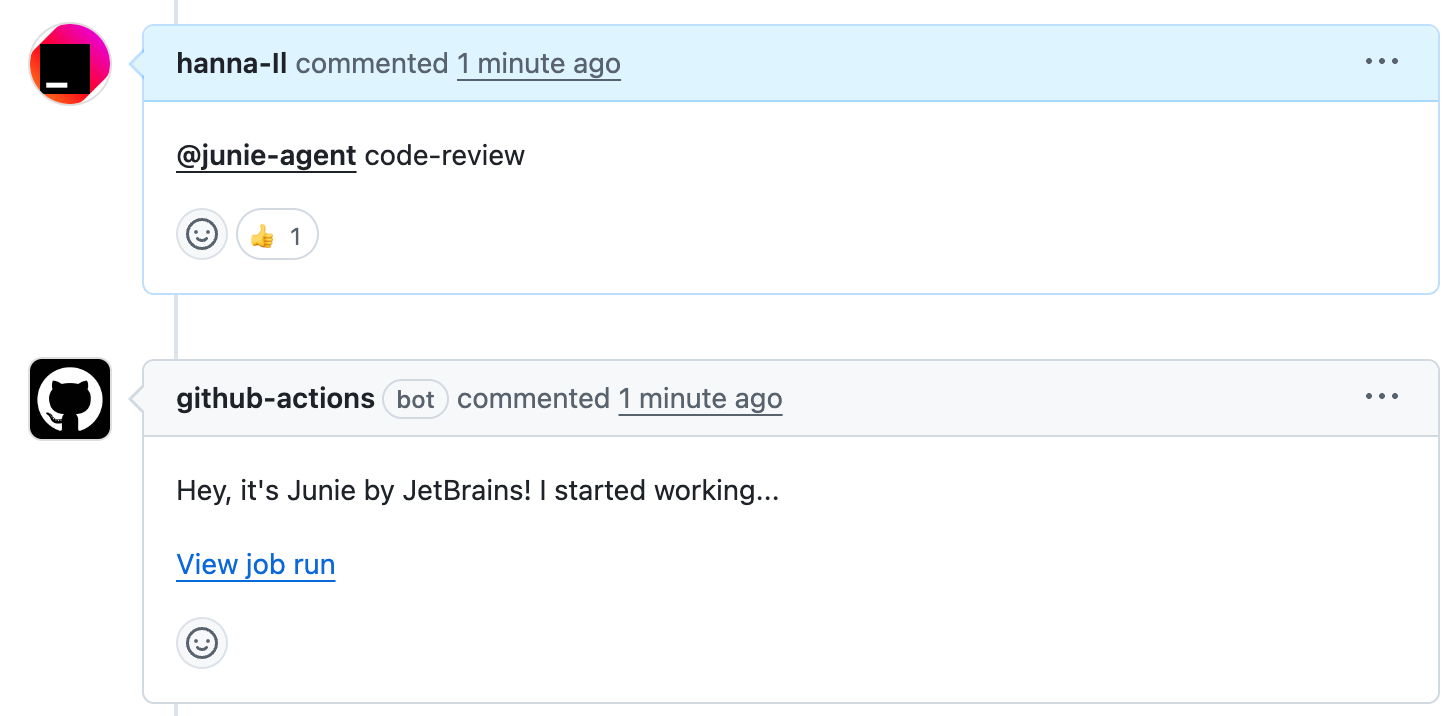
Your task is to:
1. Get the Pull Request diff using \`${diffCommand}\`.
2. Review this diff according to the criteria below.
3. For each specific finding, use the 'post_inline_review_comment' tool (if available) to provide feedback directly on the code.
4. Once all findings are posted (or if the tool is unavailable), call the 'answer' tool with your review as a bullet point list in the 'full_answer' field.
Additional instructions:
1. Review ONLY the changed lines against the Core Review Areas below, prioritizing repository style/guidelines adherence and avoiding overcomplication.
2. You may open files or search the project to understand context. Do NOT run tests, build, or make any modifications.
3. Do NOT call 'submit'.
### Core Review Areas
1. **Adherence with this repository style and guidelines**
- Naming, formatting, and package structure consistency with existing code and modules.
- Reuse of existing utilities/patterns; avoiding introduction of new dependencies.
2. **Avoiding overcomplications**
- Avoid new abstractions, frameworks, premature generalization, or unnecessarily complicated solutions.
- Avoid touching of unrelated files.
- Avoid unnecessary indirection (wrappers, flags, configuration) and ensure straightforward control flow.
- Do not allow duplicate logic.
### If obviously applicable to the CHANGED lines only
- Security: newly introduced unsafe input handling, command execution, or data exposure.
- Performance: unnecessary allocations/loops/heavy work on UI thread introduced by the change.
- Error handling: swallowing exceptions or deviating from existing error-handling patterns.
### Output Format
- If the 'post_inline_review_comment' tool is available, use it for each specific finding.
- **Use the tool parameters correctly**:
- \`filePath\`: The relative path to the file.
- \`lineNumber\`: The line (or end of range) where the comment applies.
- \`startLineNumber\`: Use this for multi-line comments to cover a range.
- \`commentBody\`: Your explanation. Use the \`\`\`suggestion syntax here for code changes.
- Once all inline comments are posted, call the 'answer' tool with your review as a bullet point list in the 'full_answer' field.
- If the tool is NOT available, use the fallback format in 'full_answer' only: -\`File.ts:Line: Comment\`.
- Comment ONLY on lines added in this diff (\`+\` lines). Do not comment on pre-existing code.
- Keep it concise (15–25 words per comment). No praise, questions, or speculation; omit low-impact nits.
- If unsure whether a comment applies, omit it. If no feedback is warranted, answer \`LGTM\` only.
- For small changes, max 3 comments; medium 6–8; large 8–12.